GTA 6 Crashing on PS5 and Xbox? CE-108255-1 Error and Lost Progress Explained
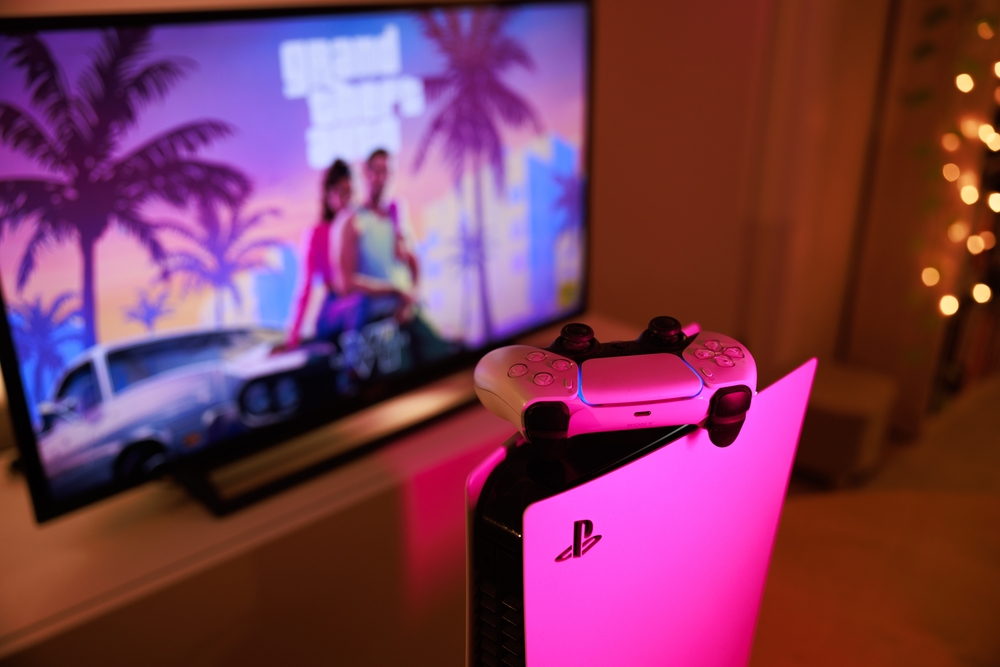
GTA 6 is crashing for some players on PS5 and Xbox Series X|S just days after launch, and the worst part isn't the crash — it's the progress that disappears with it. On PS5 the error most players see is CE-108255-1, Sony's generic "an error occurred with the game/application" code, while Xbox players report freezes followed by a sudden return to the dashboard.
As of this morning, 22 November 2026, neither Rockstar nor Sony has confirmed a cause or released a patch. There is no guaranteed fix yet — but there are steps worth trying, and one habit that can save your progress: save manually, often.
What players are reporting
The reports started on launch day, Thursday 19 November 2026:
- PS5 crashes with CE-108255-1. The game freezes or closes without warning and dumps the player back to the home screen — sometimes within minutes of starting, sometimes after 10 to 25 minutes of driving around Vice City. Some can't get past the opening scenes; others crash repeatedly at the same mission or cutscene.
- Xbox Series X dashboard crashes. The game freezes for a few seconds, then quits to the home screen — in some cases every 5 to 20 minutes. Others crash around 20 minutes into the prologue and have to restart it from the beginning.
- Lost progress. Several players say crashes wiped out hours of campaign progress because the autosave hadn't captured their recent milestones. Streamer IShowSpeed's game froze and crashed live during his launch marathon, losing unrecorded progress live on stream. Streamer JasonTheWeen reportedly lost around 10 hours — though it is unclear whether his PS5 crashed or was switched off by accident, so treat that as unresolved rather than proof of a game bug.
Keep the scale in perspective. GTA 6 sold 32.5 million copies before launch and took $3.79 billion on day one, so millions are playing without issue. The reports don't show how many are affected, and forum posts can't tell us whether one bug links all these cases — or several different problems are being lumped together.
What CE-108255-1 actually means
CE-108255-1 is not a GTA 6 error code. It's PlayStation's general crash code for any game or app that stops unexpectedly, and other big launches have produced it before. It doesn't point at a specific cause — it just means the game crashed.
Some hardware observers have suggested heat could be a factor, with GTA 6 pushing older launch-era PS5 consoles to their thermal limits. That is speculation — players with brand-new consoles have reported identical failures — and until Rockstar or Sony says otherwise, the cause is unconfirmed.
Is there a fix yet?
No. Rockstar has not published a known-issues list, has not acknowledged the crash reports, and has not announced a patch. The current version remains 01.002.001 — the roughly 602 MB update on PS5 (with two pre-launch updates on Xbox, 1.002.000 and 1.002.001). A claim circulating on social media about a fix arriving on 25 November is not backed by any official Rockstar channel, so don't plan around it.
That doesn't mean you're stuck. The steps below are the standard console troubleshooting PlayStation and Xbox support recommend, and some players report the pending game update cleared the error. Work through them in order, cheapest first.
How to fix GTA 6 crashing on PS5
1. Install the GTA 6 update. Highlight GTA 6 on the home screen, press Options, choose Check for Update, and install everything pending, including version 01.002.001. If your copy came from a pre-load, the update may not have installed yet. 2. Update the PS5 system software. GTA 6 needs the latest PS5 firmware — check Settings, then System, then System Software. Then restart the console fully (Power, then Restart PS5), not from rest mode. 3. Clear the cache and rebuild the database. Turn the PS5 off completely, hold the power button until the second beep (about 7 seconds) to enter Safe Mode, connect the controller with a USB cable, and choose Clear Cache and Rebuild Database. This does not delete games or saves. 4. Reinstall as a last resort. Deleting GTA 6 keeps your saved data, but it means downloading up to 212 GB again. Back up saves to the cloud first if you have PS Plus.
If the crash always happens at the same mission or cutscene, that's a strong sign it's a bug in the game itself, and only a Rockstar update will fix it.
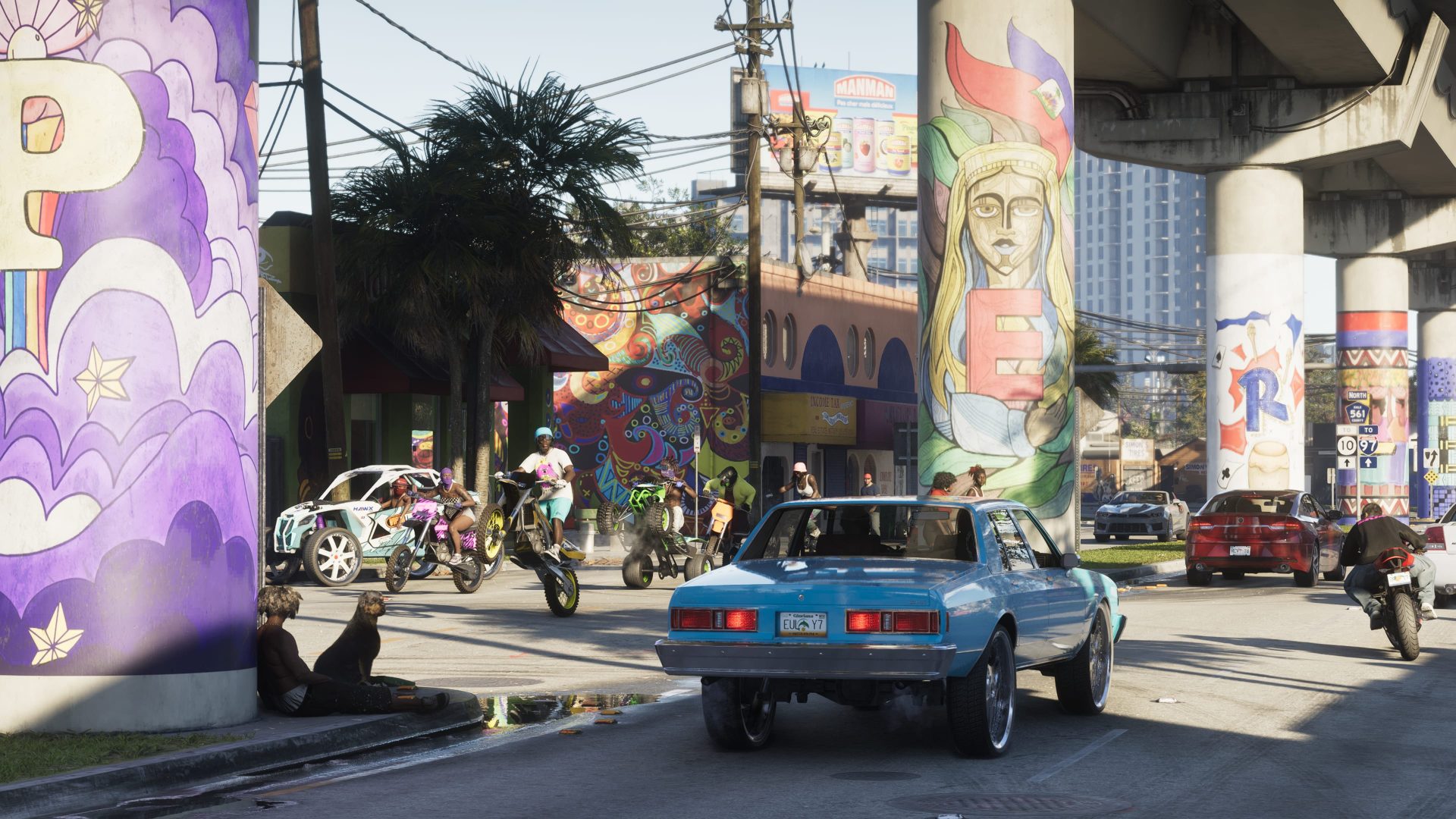
GTA 6's Vice City at sunset — via 4P.
How to fix GTA 6 crashing on Xbox Series X|S
1. Install every pending update. Make sure both GTA 6 updates (1.002.000 and 1.002.001) and the latest Xbox system update are installed. 2. Remove GTA 6 from Quick Resume. Highlight the game, press Menu, and remove it from Quick Resume before launching. 3. Do a full power cycle. Hold the Xbox button on the front of the console for about 10 seconds until it shuts down, then unplug the power cable for a couple of minutes. 4. Check where the game is installed. GTA 6 must run from the internal SSD or a Storage Expansion Card, not a USB drive, and the console needs room to breathe.
As on PS5, none of these is a confirmed fix. They're the console-side causes you can actually control while waiting for Rockstar.
Protect your progress: save manually
This is the one step that genuinely matters right now. GTA 6 has 15 manual save slots, and guides from PC Gamer and PowerPyx recommend using them whenever you're in free roam — save after every mission, alternating between two or three slots rather than overwriting the same one. If the game crashes, you lose only the minutes since your last manual save instead of hours.
The autosave alone isn't enough protection right now, because players have reported crashes wiping progress it hadn't captured. Rockstar hasn't confirmed how often GTA 6 autosaves, so don't assume the game has your back.
If the crashes continue, report it to Rockstar Support with your console, the error code, your game version, and where in the game it happens. Rockstar uses those reports to decide what the next update fixes — and right now, a patch is the only thing that will settle this.
For more on what else is going wrong in Leonida's first week, see our launch-day glitches rundown and our best GTA 6 settings for PS5 and Xbox. If you're still early in the story, our first-hours guide and the interactive map of Leonida will help you get your bearings.
Sources
- Mathrubhumi — GTA 6 Crash Bug Hits PS5 & Xbox With CE-108255-1 Error, Wiping Autosave Progress
- HappyGamer — GTA 6 PS5 Error CE-108255-1: What It Means and How to Fix It
- The Tech Hacker — How to Fix GTA 6 Crashing on Xbox Series X|S
- Windows Forum — GTA 6 Crashing on Xbox Series X: Player Reports and Troubleshooting Steps
- Windows Forum — GTA 6 Crash and Lost Progress Reports on PS5 and Xbox: Manual Save Tips
- RP Base — GTA 6 crashing, freezing or stuck loading: fixes for PS5 and Xbox